
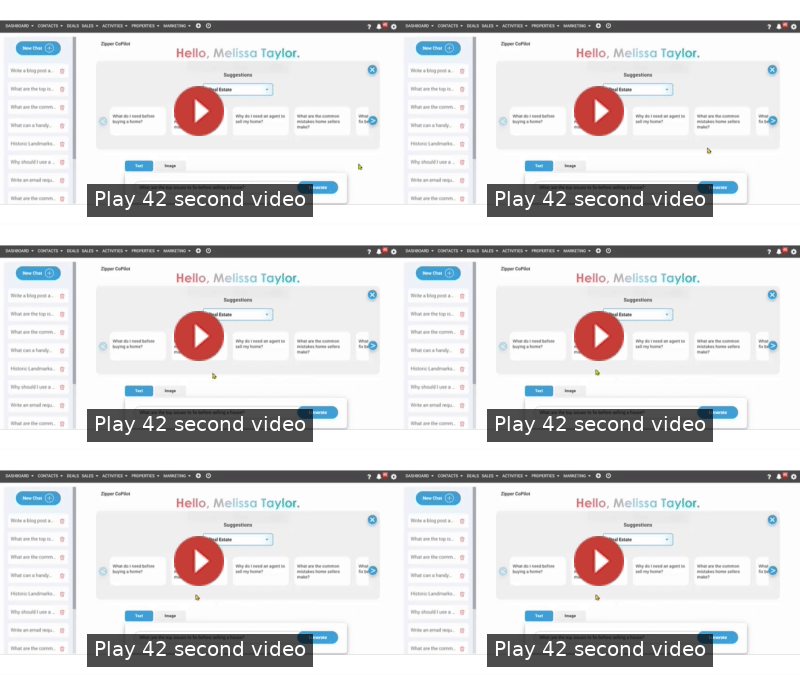
In the fast-paced real estate world, being the first to provide local insights can be the difference between winning a listing and losing it. Zipper CoPilot is your built-in AI partner within the ZipperAgent CRM, designed to handle the heavy lifting of research and turn hours of content creation into seconds of work.
You can move instantly from "generating an idea" to "launching a campaign" without ever switching tabs.
Step 1: Accessing Zipper CoPilot
The CoPilot is located within the Marketing section to help you bridge the gap between market data and client outreach.
-
In the top navigation bar, hover over the MARKETING menu and select Zipper CoPilot from the drop down.
Step 2: Starting a New Chat
Whether you are staring at a blank page or need a specific data point, CoPilot offers three ways to jumpstart your productivity.
- + New Chat: Use this to clear previous sessions and start a fresh strategy for a new client or neighborhood.
- Using Suggestions: Perfect for consistent branding. Select categories like "Market Trends" to keep your Monthly Newsletters fresh and relevant.
-
Manual Entry: Type specific questions into the "Ask Zipper CoPilot" box.
Why this helps: Instead of searching external news sites for market updates, you have a centralized "brain" that knows your business context. Accessing it here allows you to immediately transition your findings into ZipperAgent’s Email Marketing or Social Media tools.
Step 3: Generating Targeted Content
Real estate is local. CoPilot excels at localized insights that help you position yourself as the neighborhood expert.
-
Enter Your Query: Be as specific as possible.
- Example: "Give me three bullet points on why now is a good time to sell in [Neighborhood Name] for my ZipperAgent Drip Campaign."
- Toggle Text or Image: Use Text for blogs and emails, or Image to create custom visuals for your IDX Website or social posts.
- Generate: Click the button and watch the animated frequency bar as it compiles your data.
CRM Connection: These insights are most powerful when tied to your CRM. If a lead is identified as a "Hot Lead" in a specific zip code, use CoPilot to generate a personalized market snapshot for that exact area to send a hyper-targeted follow-up.
Step 4: Reviewing and Exporting to Your Workflow
The final step is moving your AI-generated content into your active sales funnel.
- Execute: Paste this content directly into the ZipperAgent Email Composer within the contact details or post as a blog, or send it as a newsletter using the Email Campaign tool.
Tip: Check out these additional tools right within ZipperAgent CRM!
📧 How To Build Email Campaigns: Save Time and Nurture Leads
From Draft To Done: How To Post Blogs!
The Big Picture: Why Use CoPilot?
By using Zipper CoPilot, you aren't just writing faster; you are building a more responsive business. It feeds directly into Lead Nurturing by ensuring you always have something valuable—and accurate—to say to your sphere of influence.